Online booking
Bookings arrive while your team looks after guests
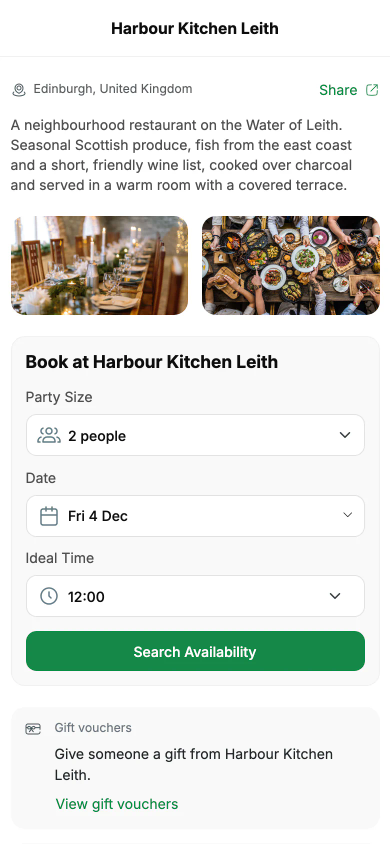
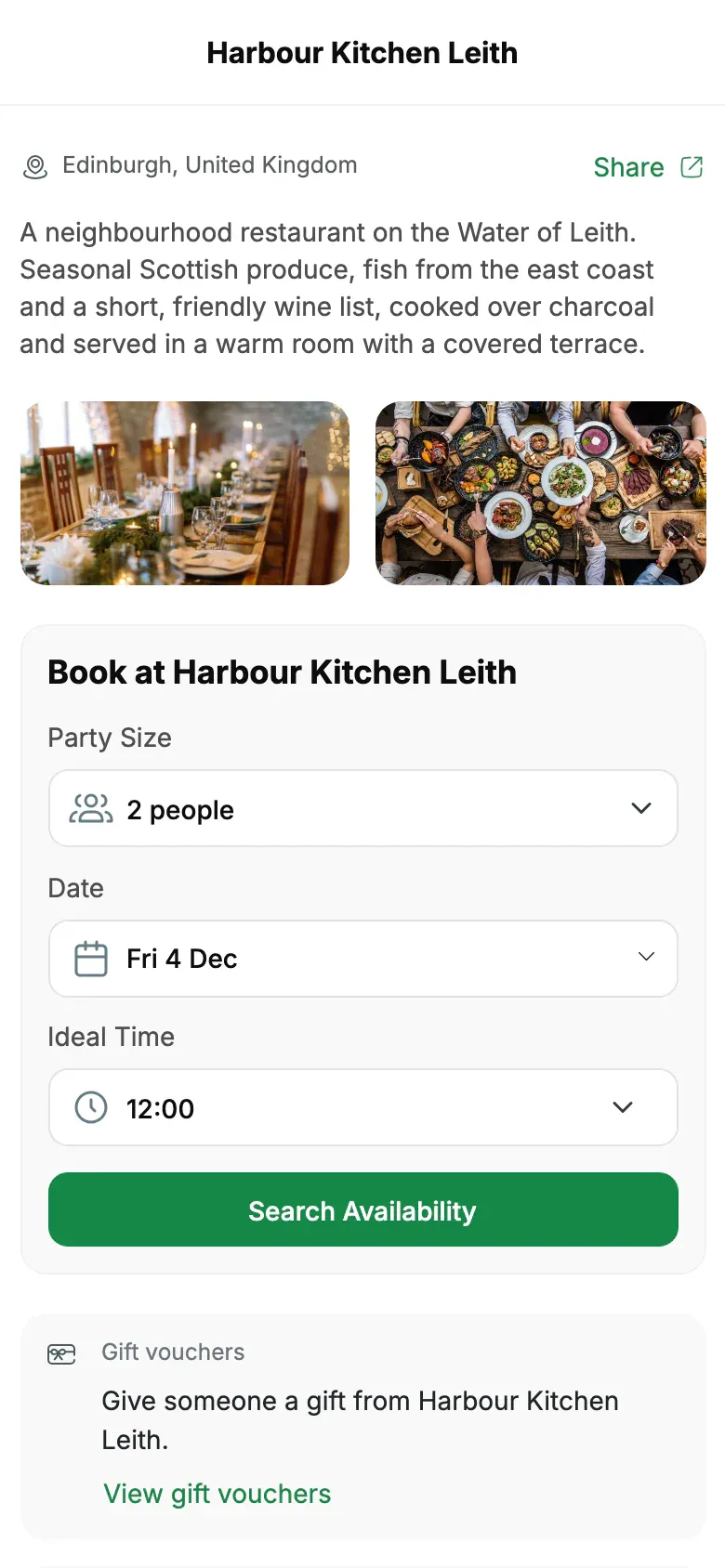
Guests book on a page with your description, photos and brand colour, and the team works from one diary for website and Reserve with Google bookings.
A place in the diary without a phone call
When the booking is made
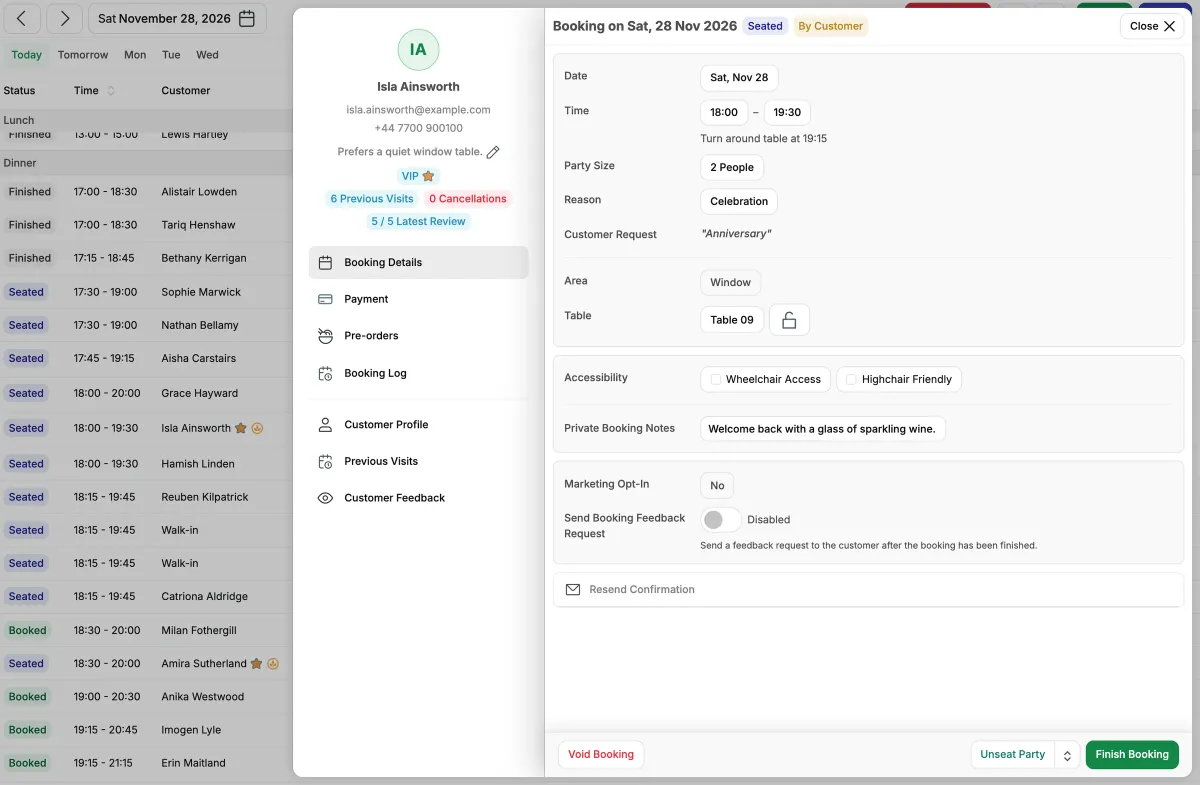
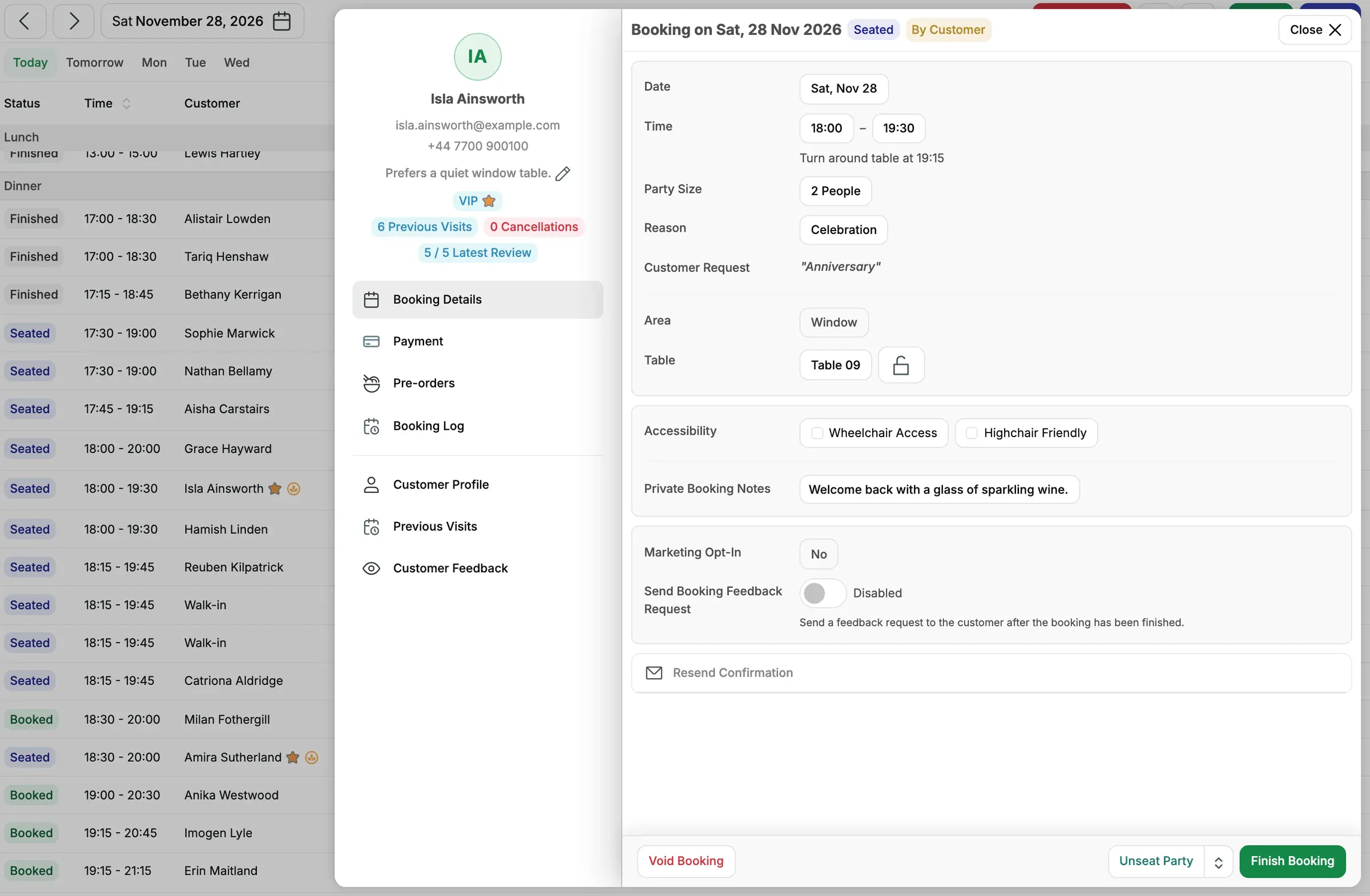
Have the details ready for the welcome
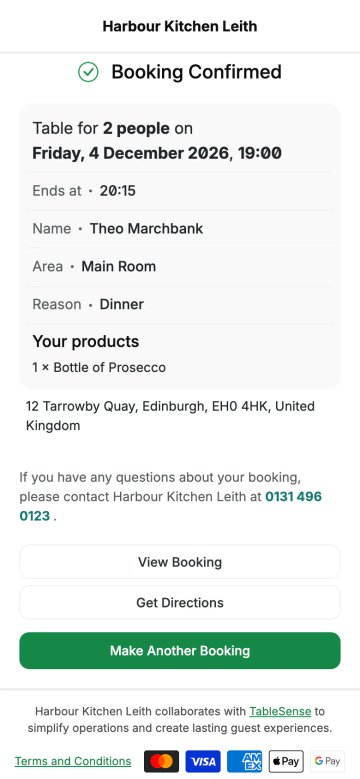
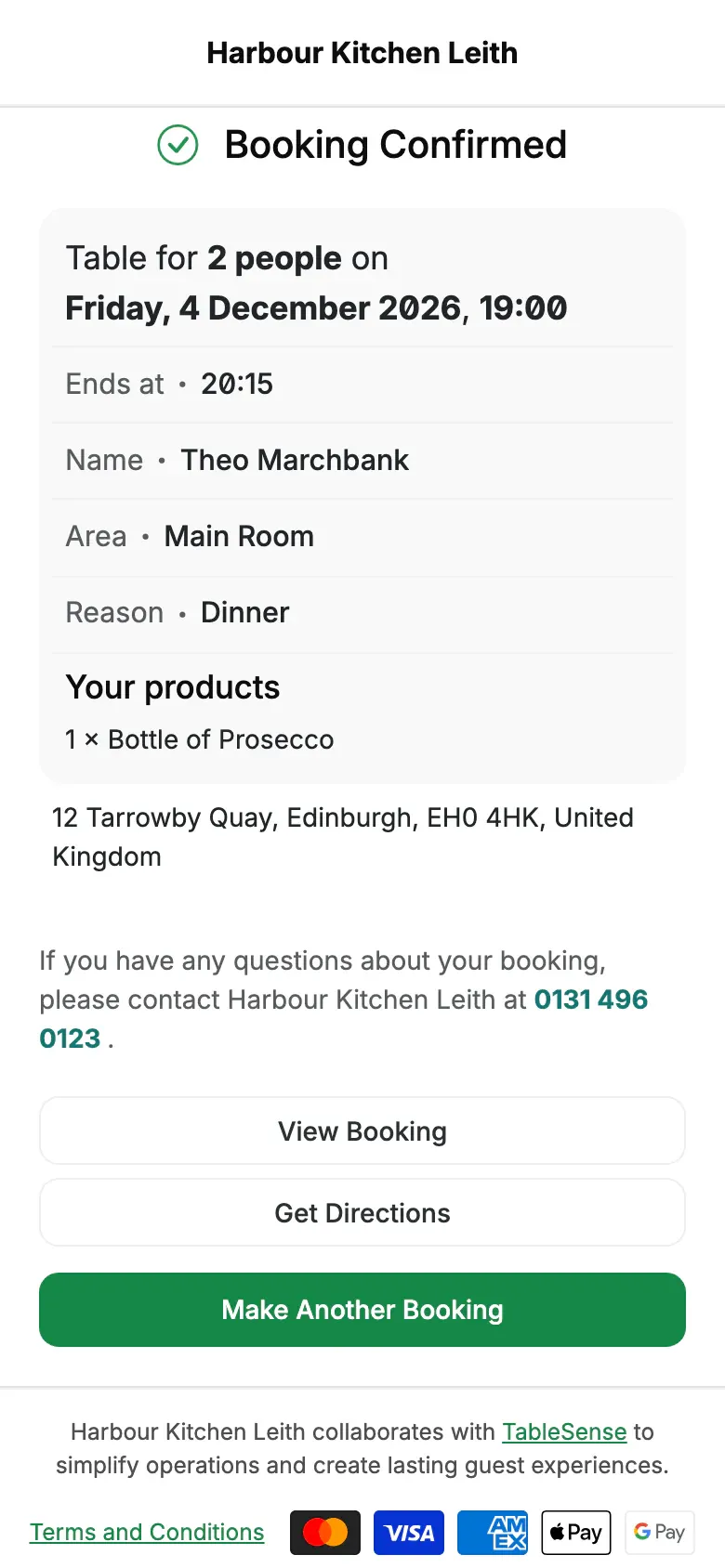
The guest gets a confirmation email as soon as they book. Your diary shows who is coming, with the party size, time, table, requests and contact details.
Where guests start
Let guests book where they find you
Your Venue Storefront shows guests your photos, description, contact details and a map, with booking buttons in your brand colour. Guests can book there or share the link.
Add the launcher button to your own website to open your Venue Storefront. Reserve with Google lets guests book from Search and Maps, and those bookings arrive in the same diary as the rest.
“We've been pleased with TableSense so far, we have definitely seen an increase in bookings since using it, and we've been impressed with the speed of the support via WhatsApp with a few things we've needed.”
Booking rules
You know what each party needs before they arrive
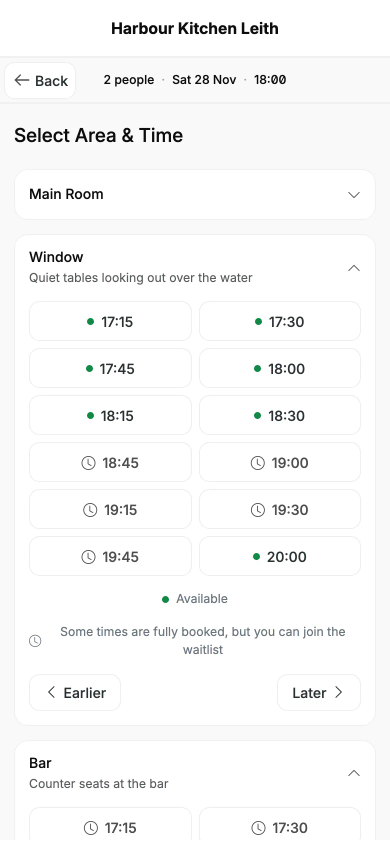
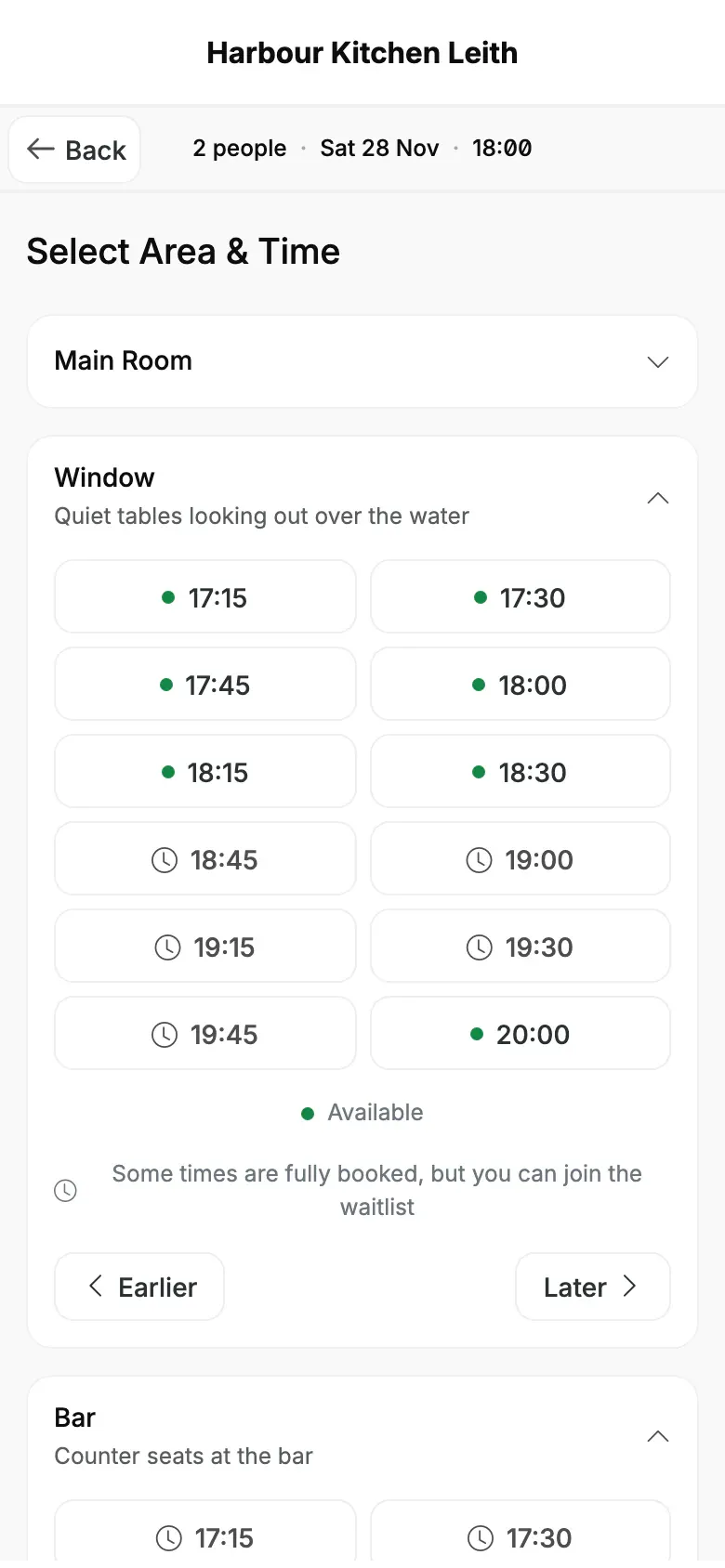
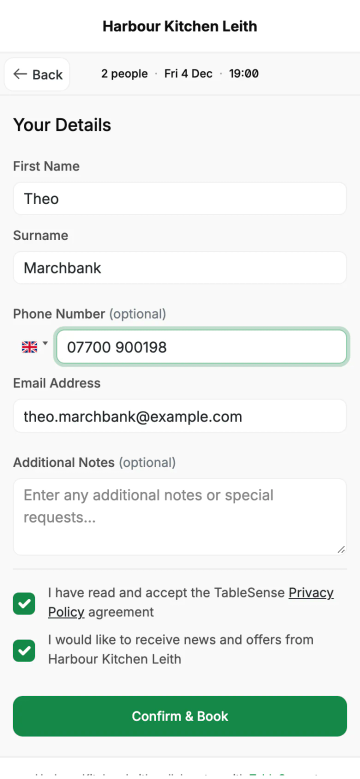
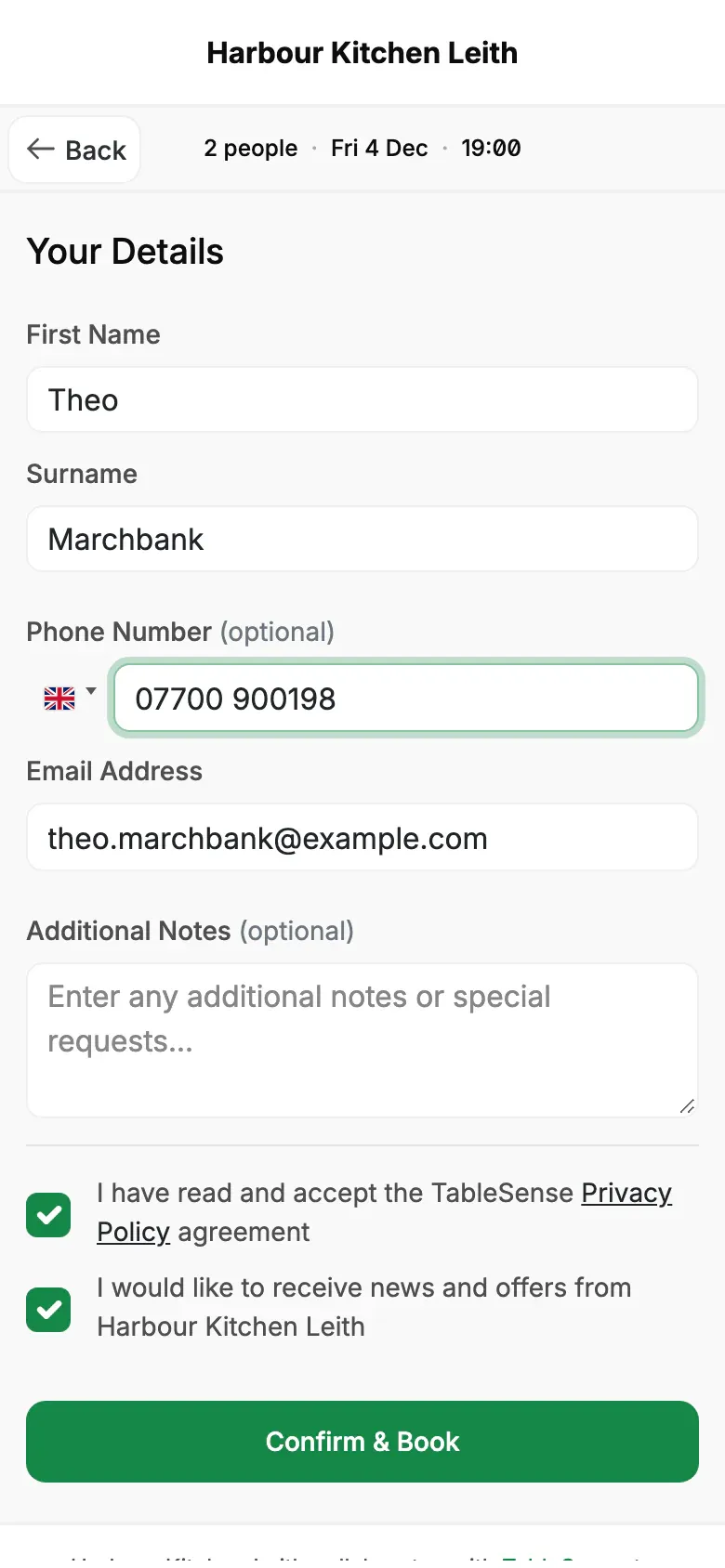
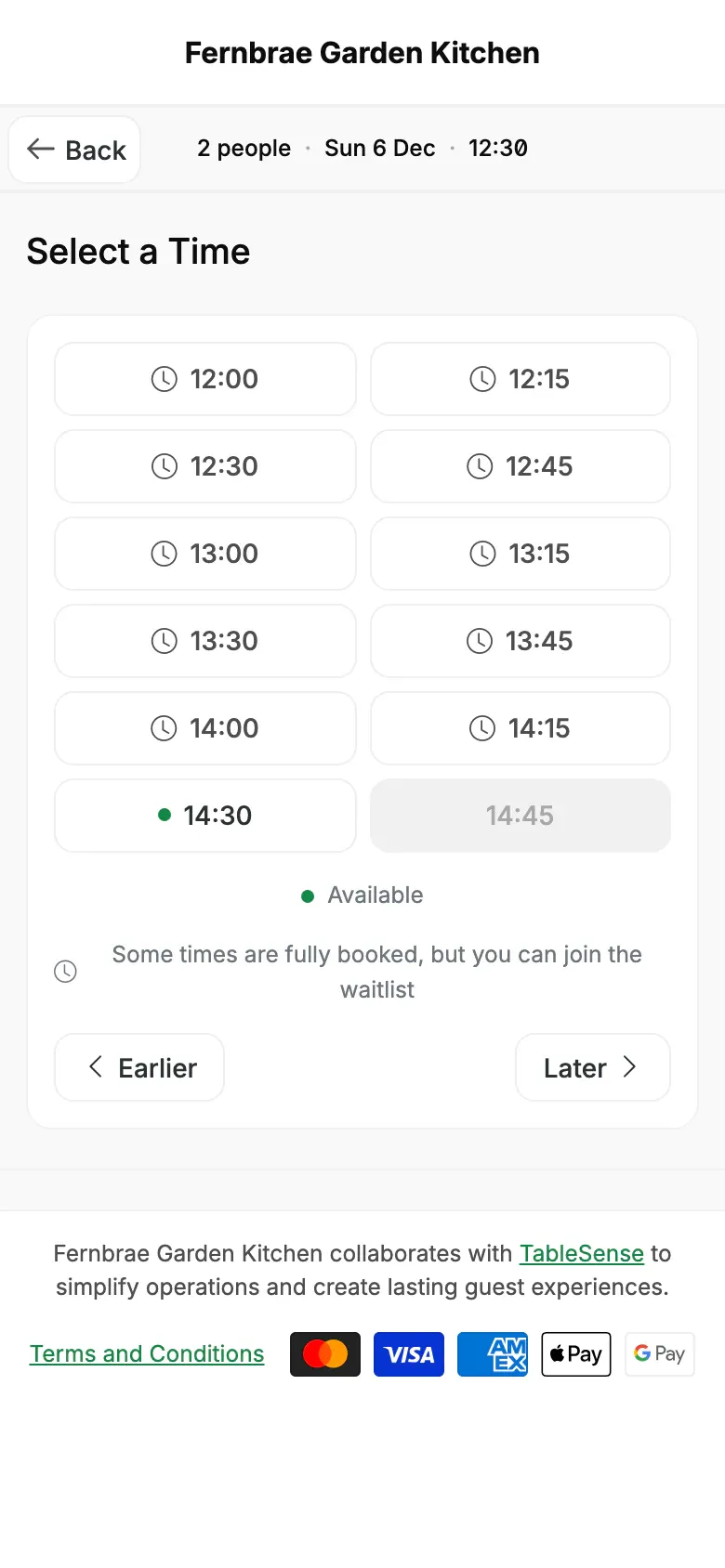
Guests pick a party size, date and time, and can look earlier or later. You choose whether to ask about wheelchair access, prams, highchairs or dogs. Their answers appear on the booking.
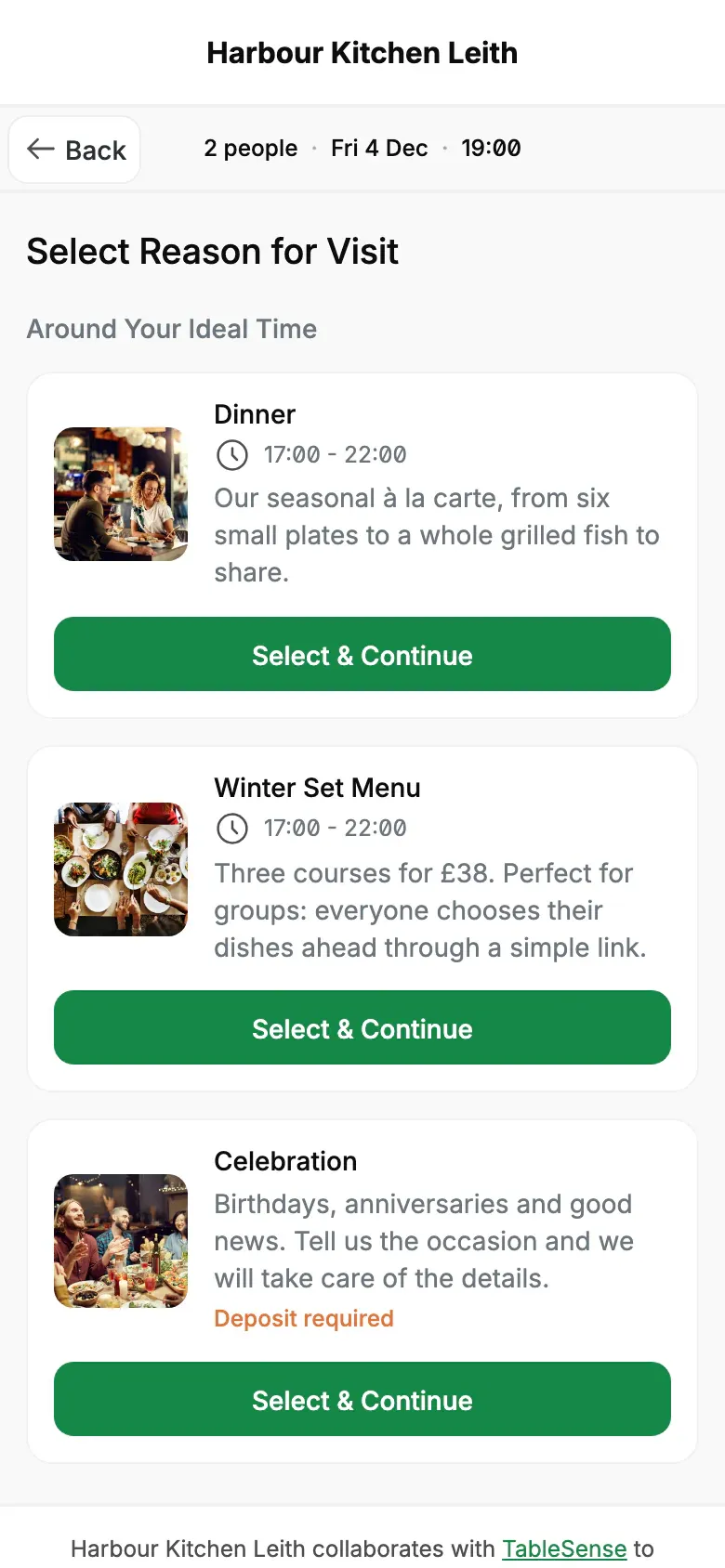
Offer reasons for visit beside regular bookings, with their own photo, description, hours or cancellation charge. Add a menu to a reason for visit and guests who choose it see the extras from that menu.
Explore deposits and payments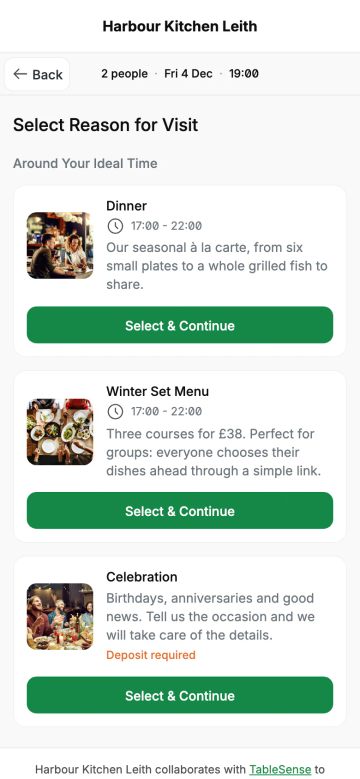
When plans change
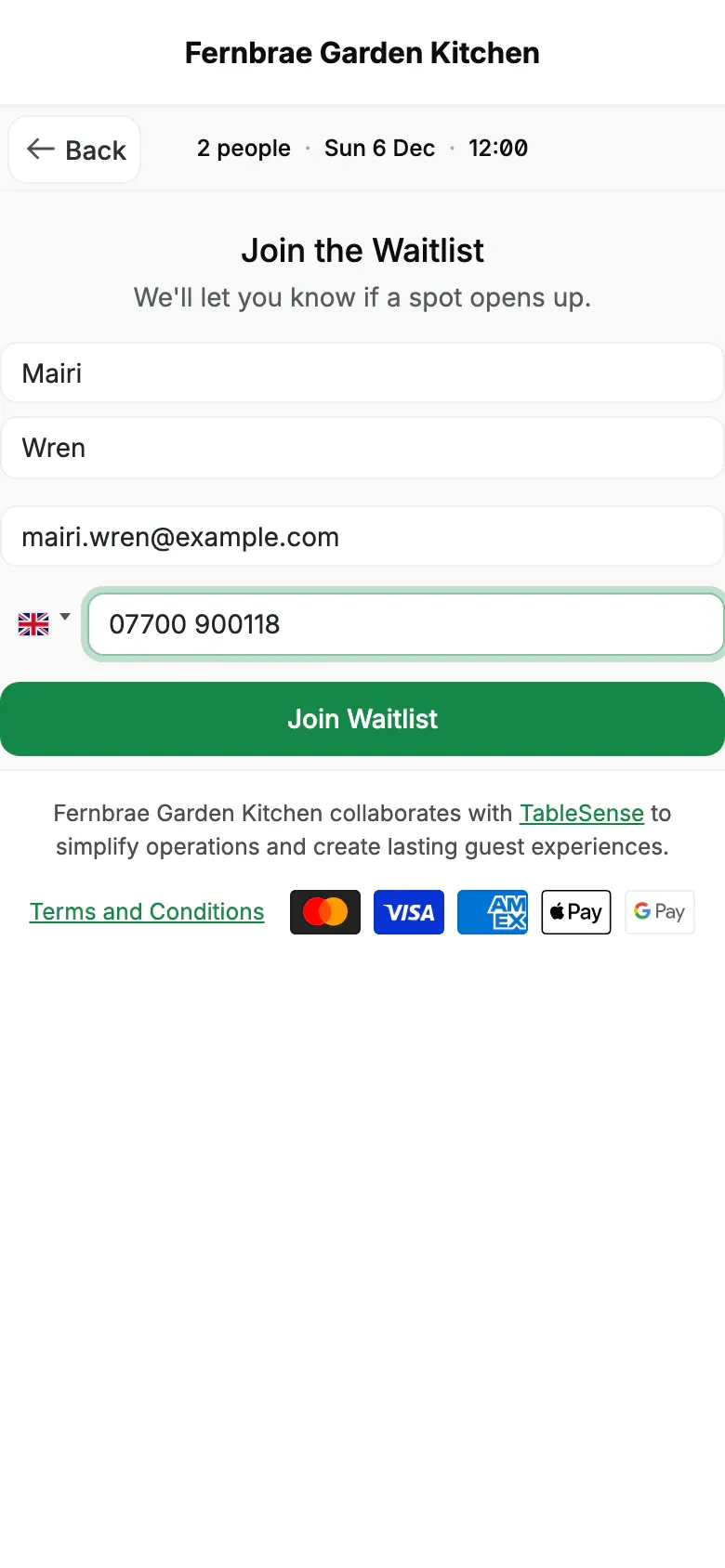
Keep a place on the waitlist when the room is full
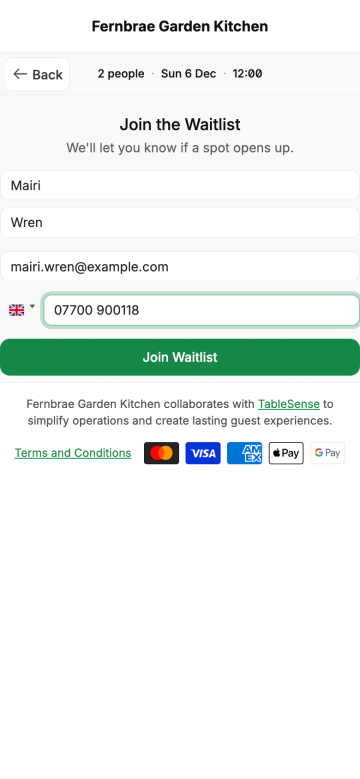
If their time is full, guests can join the waitlist and hear when a table opens. When they change the date, time or party size online, your diary updates and they get an email.
See the waitlist in table management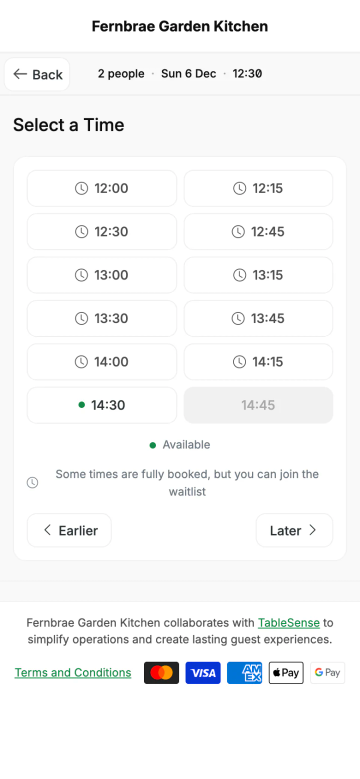
Sister venues
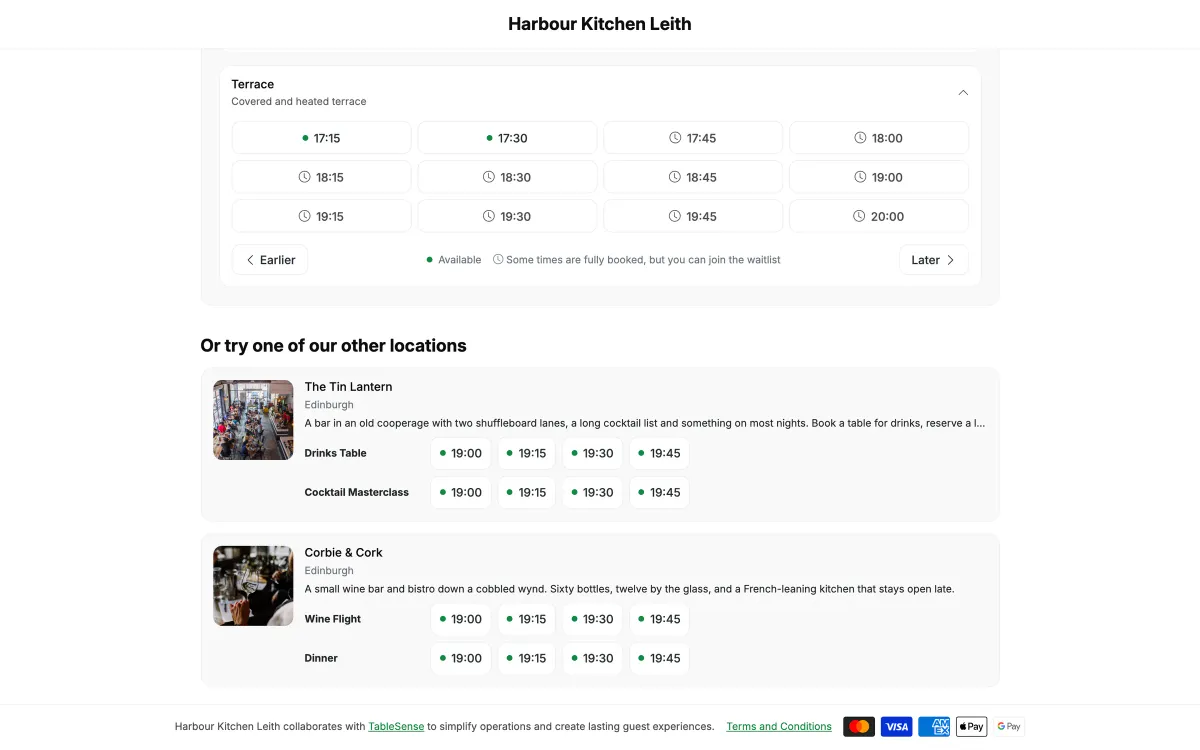
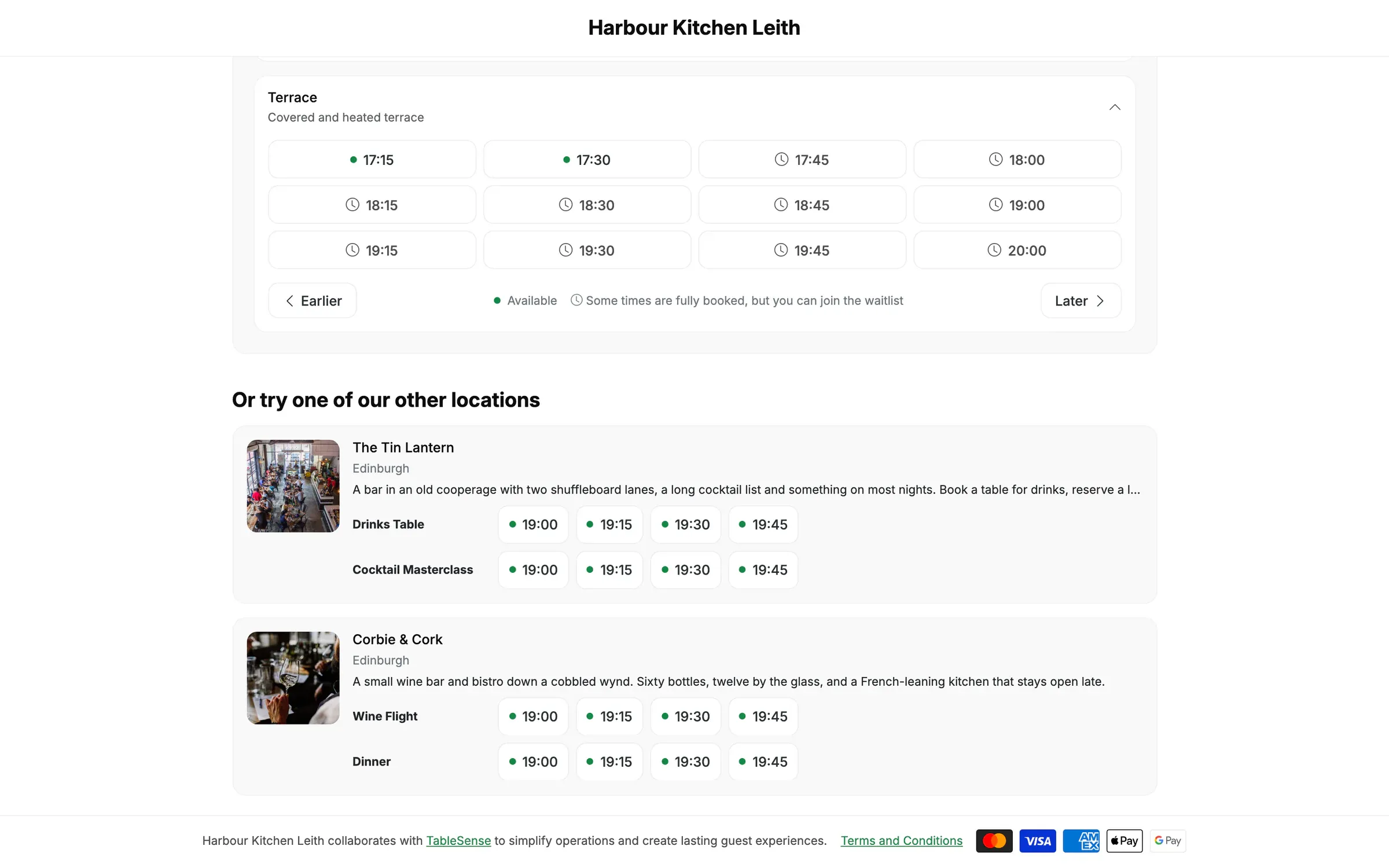
Show guests the times at your sister venues
Your Venue Storefront lists your sister venues. While a guest chooses a time, they see nearby times at each one, so someone you cannot fit in can book with you elsewhere.
Online booking FAQs
Can guests book from our own website?
Yes. Add the launcher button to your site and it opens your Venue Storefront, with your description, photos and brand colour.
Do bookings from Google go into the same diary?
Yes. Reserve with Google bookings appear in your diary with every other booking. The Booking sources report shows whether each booking came from your Venue Storefront, Google, a campaign link or your own team.
Can we take a deposit or a card through our Venue Storefront?
Yes, depending on your payment provider. You can take a deposit, save a card for cancellation and no-show charges or take a paid order, and guests see any charge before they book.
What happens when we are fully booked?
Guests can join the waitlist from the time grid. Your team sees them in the diary's Waitlist and can prompt them when a table opens.
Can guests change their booking without calling us?
Yes. Guests can change the date, time and party size of their booking on your Venue Storefront.
Follow a guest's booking through to your diary
See what a guest could book under your rules, with the times and reasons for visit your venue offers.