Deposits and payments
Protect a busy night from no-shows
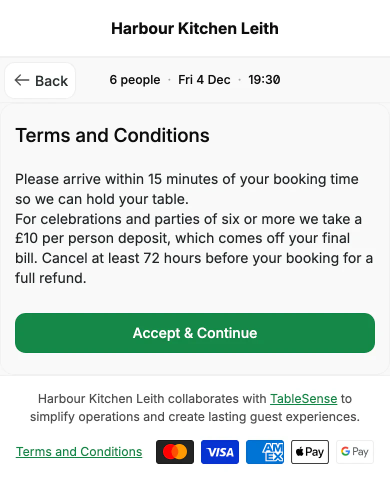
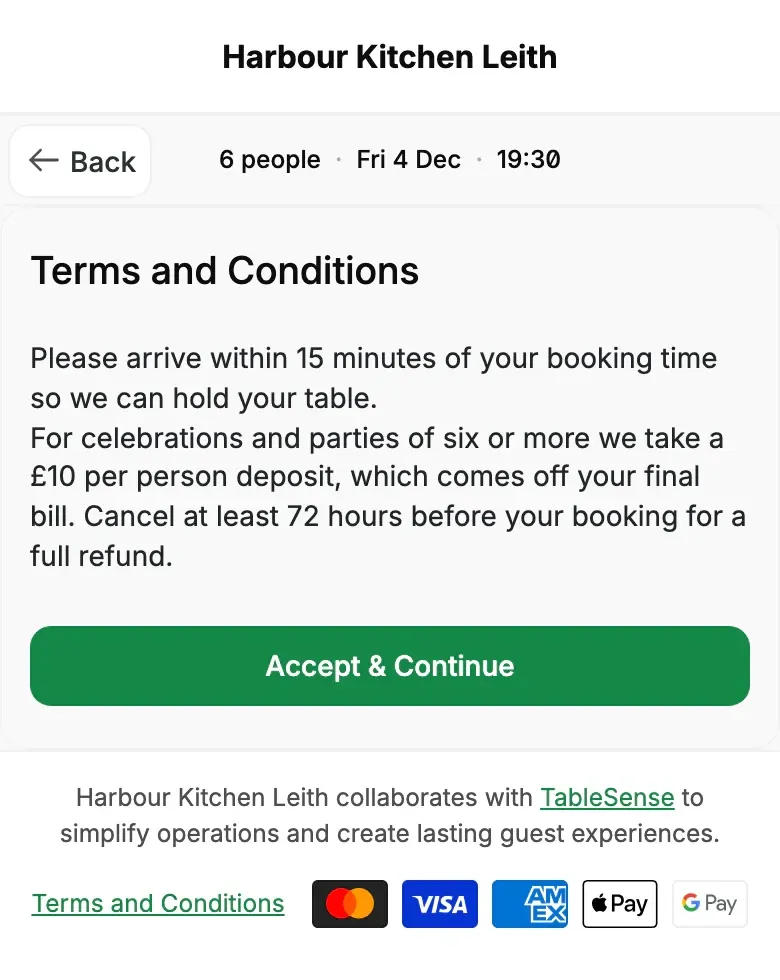
Guests see your payment terms before they book, whether you take a deposit, save a card for cancellation charges or accept a paid order.
How a deposit or a saved card protects the table
Three separate options
Ask for deposits or saved cards when you need to protect tables
Each does a different job, and you can use one, two or all three.
- A deposit is money the guest pays when they book.
- Card capture saves the guest's card, so you can charge a cancellation or no-show fee later under your policy.
- A paid order lets the guest buy a menu or package as part of the booking.
“TableSense meets the needs and adaptability of a small business.”


Before the guest books
Agree the terms before guests commit
An event or reason for visit can carry a charge while standard bookings stay free, under the deposit, cancellation and no-show rules you set. Guests see the charge on your Venue Storefront before they choose.
Explore online booking

On the booking
The team knows what a guest has paid
A deposit or saved card gives a guest a reason to turn up or tell you in good time. You set the amount and the terms.
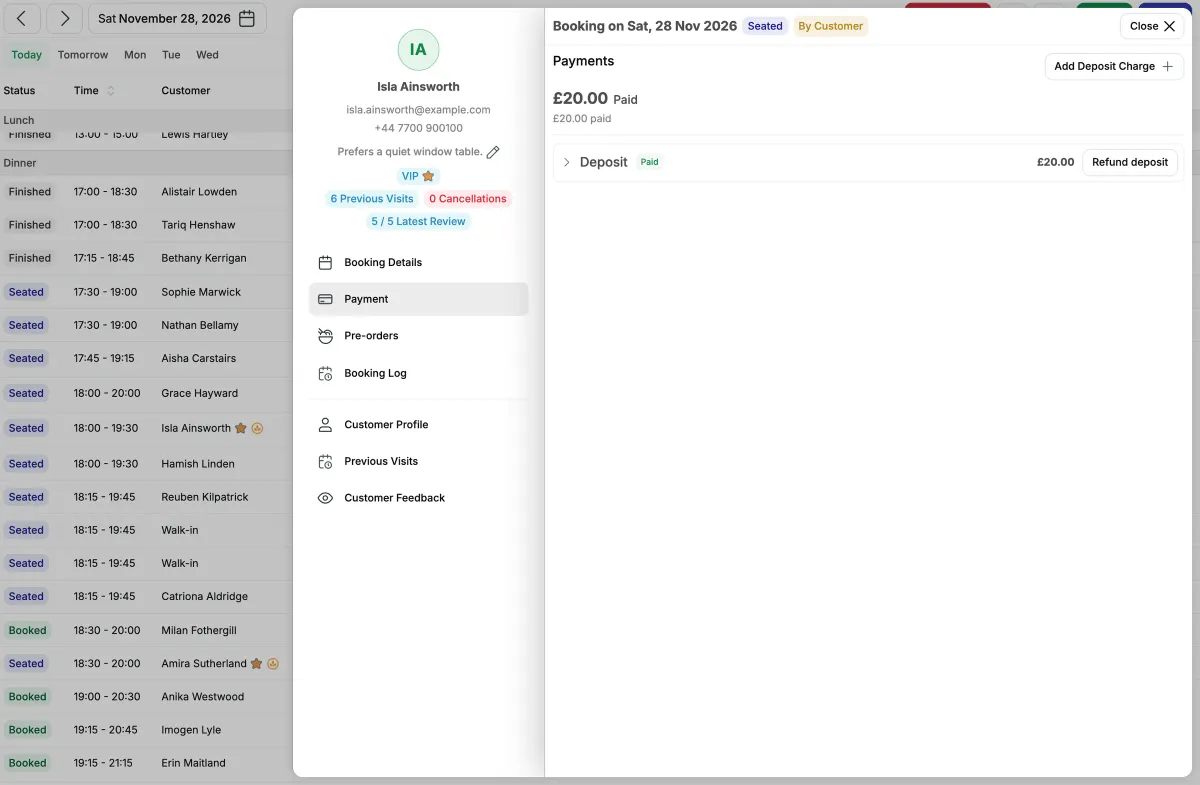
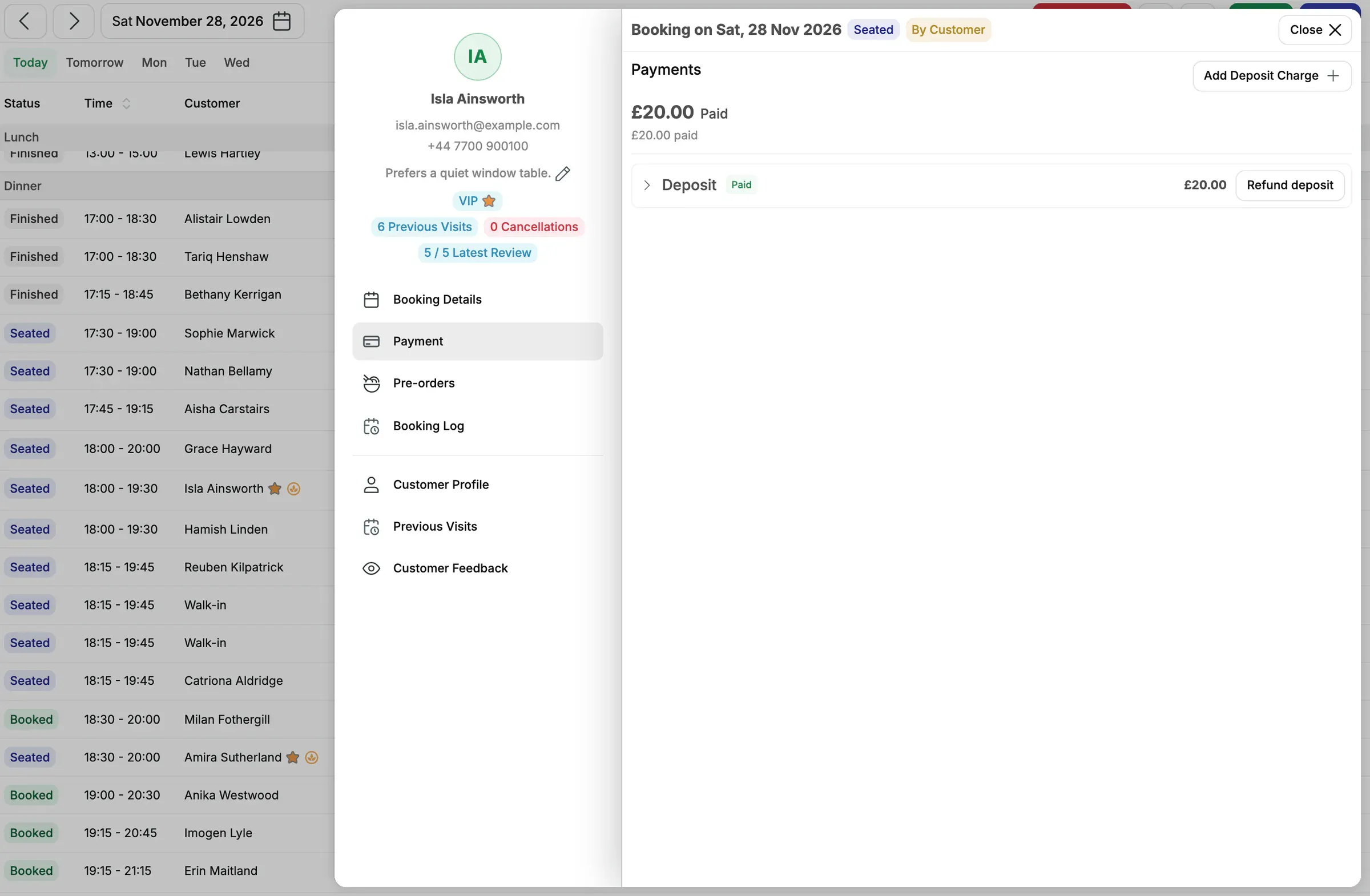
Staff can check what a guest has paid on the booking, add a deposit or record a refund. The iPhone and iPad app shows the same payments.
You can text a guest to ask for an outstanding deposit. Payment receipts go by email.
Deposits and payments FAQs
Which payment providers can we use?
Stripe, Ryft, Dojo and Teya. Which payment options you can switch on depends on the provider your venue uses.
Do we have to take a deposit on every booking?
No. You decide where charges apply. For example, a reason for visit or an event can carry a cancellation charge while standard bookings stay free to book.
Do guests see the charge before they book?
Yes. On your Venue Storefront, guests see any cancellation charge on the event card or reason for visit before they select it.
How do refunds work?
Staff record refunds on the booking, and the money goes back to the guest through your payment provider.
What is the difference between a deposit and card capture?
A deposit is money taken when the guest books. Card capture saves the guest's card so you can collect a cancellation or no-show fee later under your policy.
See how deposits would work on your busiest sittings
Tell us which payment provider you use. We'll talk through your options for deposits and card capture on the call.